 Phosphor
Nintendo Switch · wired HDMI · iPadOS 17+
Use your iPad as a Nintendo Switch monitor.
Dock or USB-C video out from the Switch, into any standard UVC capture adapter, into Phosphor. You get a portable play screen with digital game audio without hotel Wi-Fi or wireless compression.
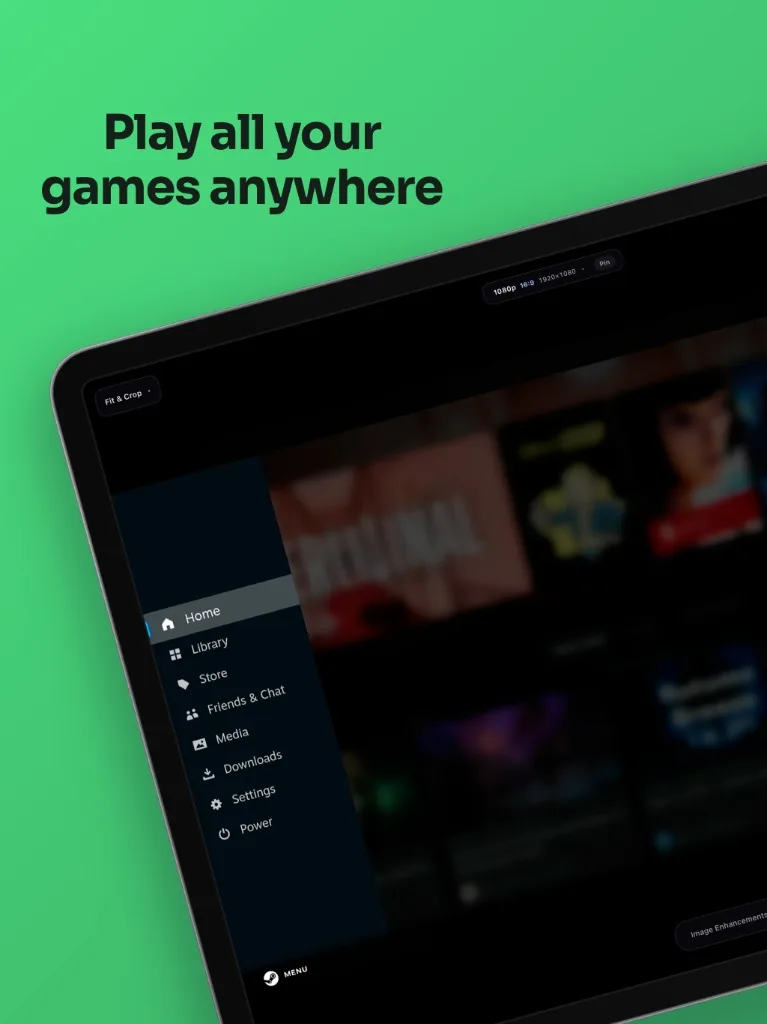
Play Switch on iPad HDMI, edge to edge.
- Portable: The iPad you already pack is the monitor. Skip a separate travel screen.
- Full-screen crop: Fit and Stretch are free. Phosphor Pro removes letterboxing so handheld and docked feeds can fill the panel.
- Lag-free audio monitoring: HDMI audio to iPad speakers or headphones, with mute when you need quiet.
What you need
USB-C iPad (iPadOS 17+), an HDMI cable from the dock (or a USB-C video-in capture card), and any standard UVC capture adapter. USB 3.0 with Power Delivery is the clean all-in-one path.
Pick a hardware route · Steam Deck on iPad · Back to Phosphor